



TL;DR:從開發到上架的 Figma Plugin 完整攻略,分享如何用 AI 加速開發流程並順利通過審核。
這邊要分享如何上架一個 Figma Plugin,我自己主要是透過 AI 撰寫完成 Plugin,這邊也會分享如何快速透過 AI 來去上架一款 Figma Plugin。
如果你想知道我撰寫一個 Figma Plugin 的詳細過程可以看這篇
 Kevin
Kevin
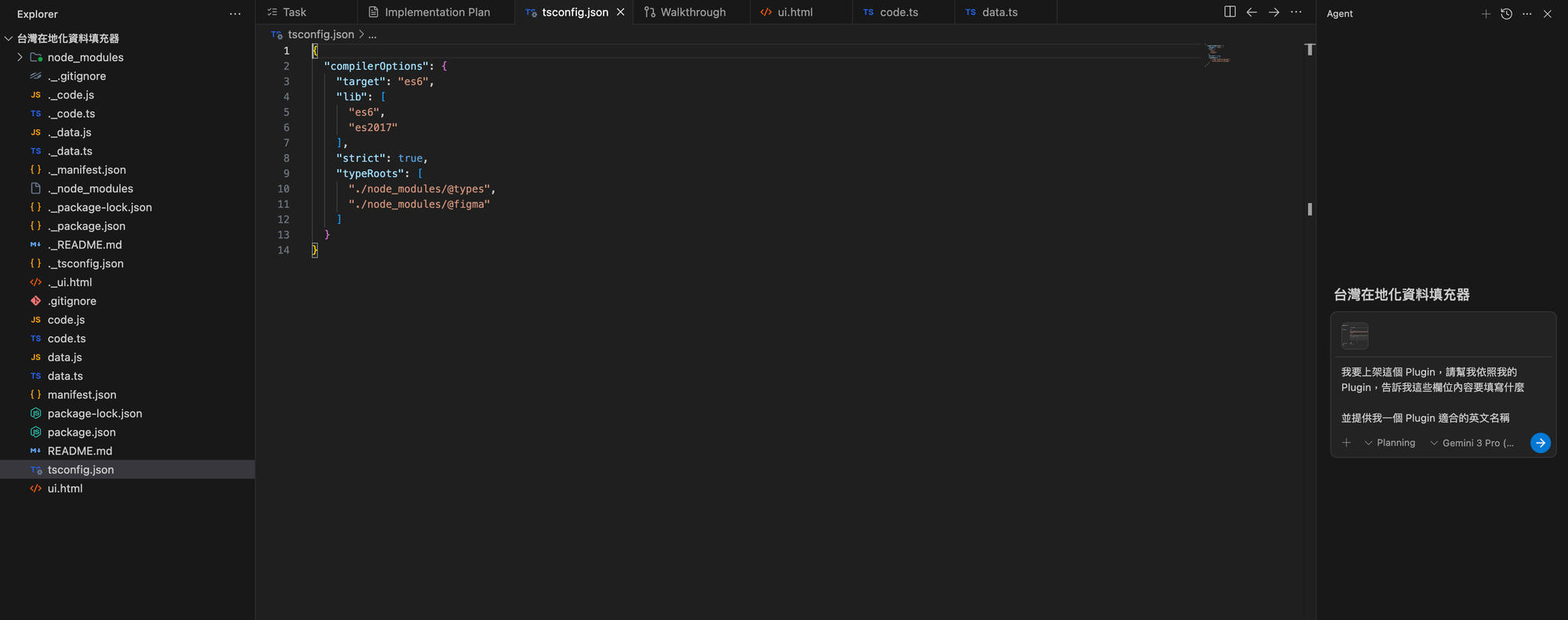
這邊也分享一個小技巧,我推薦使用 Cursor、Antigravity 等 AI IDE 工具來撰寫 Plugin,好處在於 Plugin 是本地端處理,使用這類工具最方便,另外則是用 AI 建立,後續上架等問題,直接丟給 AI,從介紹但選填內容,AI 很了解產品,都可以給你最適合的答案。
下面這邊就把所有上架步驟跟一些細節分享給大家。
1.針對設計完成的 Figma Plugin 點選 Publish
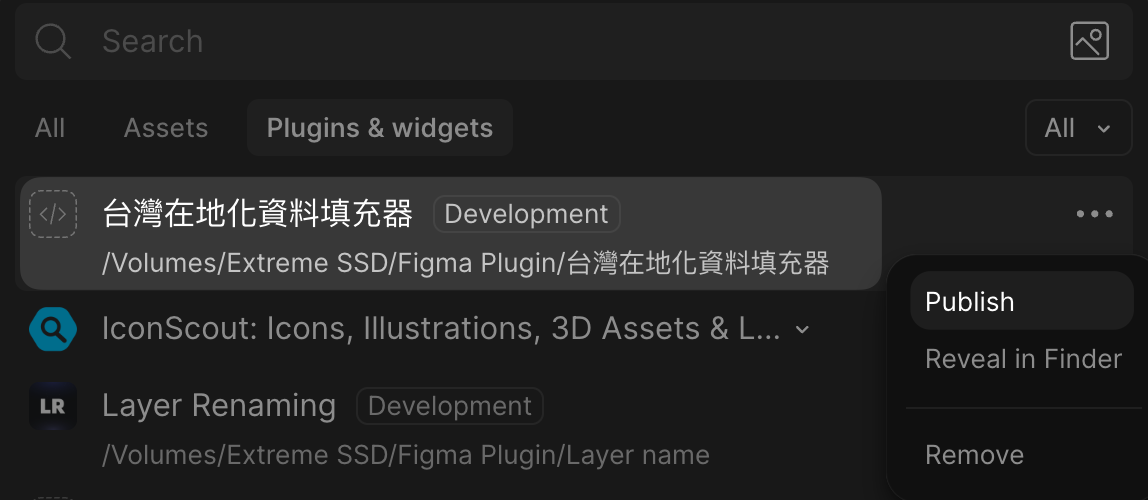
2.填寫基本資料
這邊其實很容易,依照欄位說明撰寫,如果有不懂或想要更方便,可以截圖丟給 AI,告訴他你的這個工具功能。
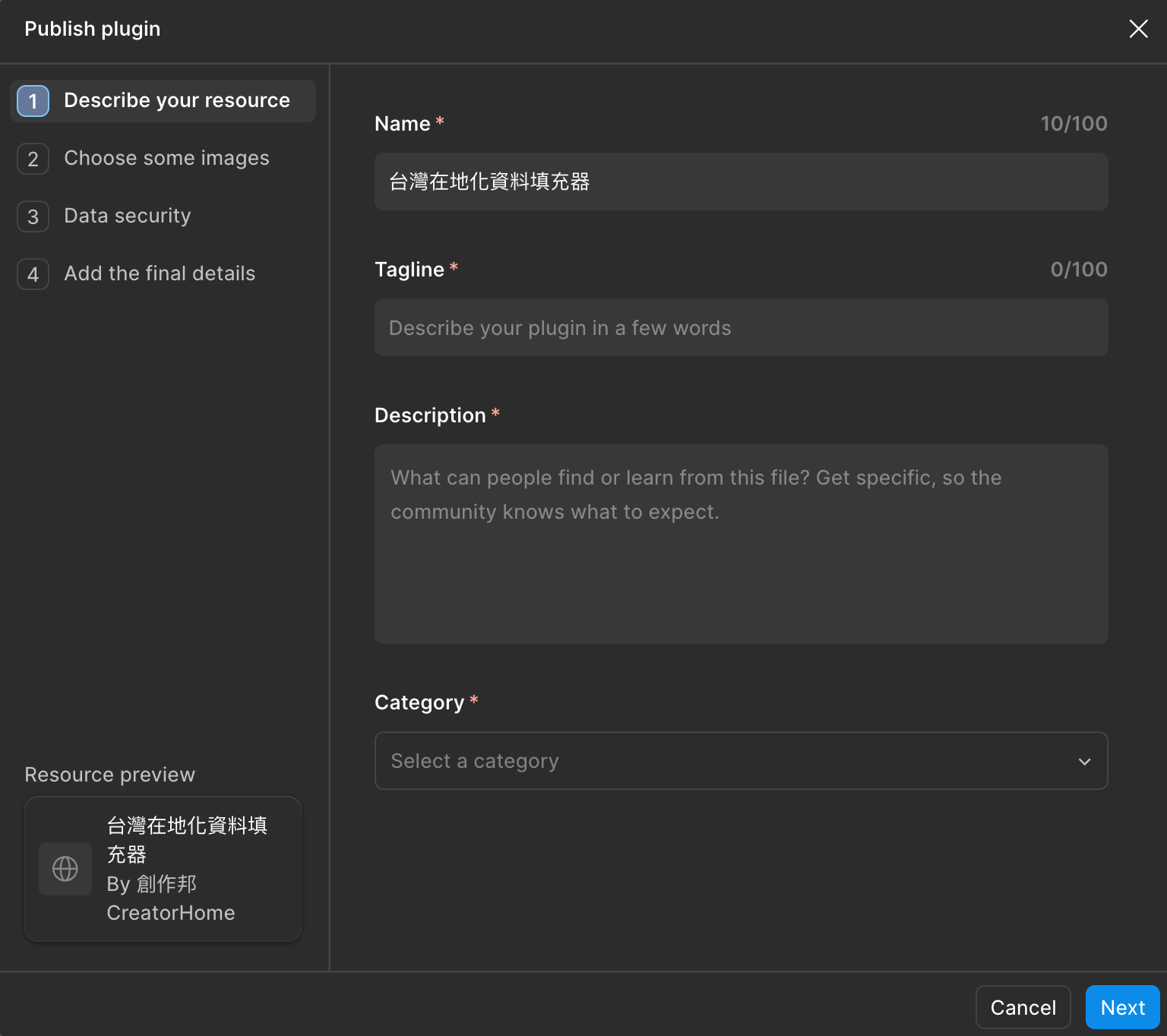
當然這邊我也會簡單說明一下各欄位和填寫建議
第一步:Describe your resource
Name:你的 Plugin 名稱這邊建議多數 Plugin 都可以加上英文,因為 Figma 是一個國際化工具,使用者全世界都有,寫上英文會讓更多人可以搜尋到。
Tagline:
舉例:
第二步:上傳圖片資料
這邊至少必需要上傳二張圖
1.Plugin ICON:尺寸 128 x 128
2.一張封面圖:尺寸 1920 x 1080
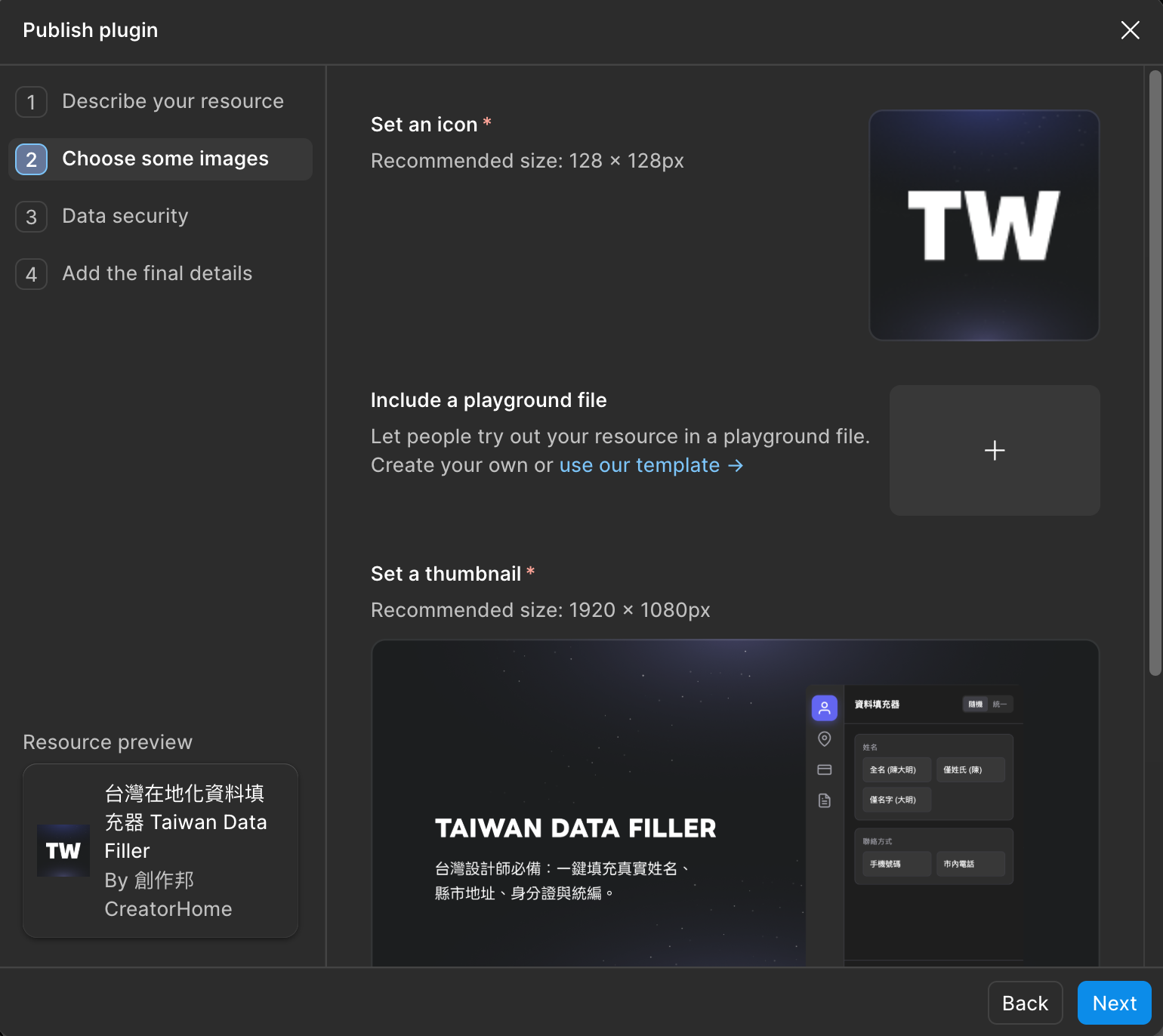
另外還可以上傳更多可以輔助說明跟吸引人的圖片或影片,這會作為輪播圖呈現,可以讓人更好了解你的 Plugin 內容。

第三步:Data security
這邊需要填寫回答一些問題,我做了一些簡單翻譯,大家根據內容來選擇適合的選項就好。
1. Do you host a backend service for your plugin/widget?
您的外掛/小工具是否有架設後端服務?
- No, I do not host a backend service for my plugin/widget. 不,我沒有為我的外掛/小工具架設後端服務。
- Yes, but my plugin/widget does not send any data read/derived from Figma’s plugin API to this backend. 有,但我的外掛/小工具不會傳送任何從 Figma 外掛 API 讀取或衍生的資料到此後端。
- Yes, and data read/derived from Figma’s plugin API is sent to this backend. 有,且從 Figma 外掛 API 讀取或衍生的資料會傳送到此後端。
2. Does your plugin/widget make any network requests with services you do not host?
您的外掛/小工具是否會對您未託管的服務發出任何網路請求?
- My plugin/widget does not make any network requests. 我的外掛/小工具不會發出任何網路請求。
- My plugin/widget makes network requests for static assets eg. fonts, images. None of these requests include data read/derived from Figma's plugin API. 我的外掛/小工具會對靜態資源(如字體、圖片)發出網路請求。這些請求皆不包含從 Figma 外掛 API 讀取或衍生的資料。
- My plugin/widget makes network requests to analytics tools eg. Mixpanel, Sentry, etc. None of these requests include any data read/derived from Figma's plugin API. 我的外掛/小工具會對分析工具(如 Mixpanel、Sentry 等)發出網路請求。這些請求皆不包含任何從 Figma 外掛 API 讀取或衍生的資料。
- My plugin/widget makes network requests not captured by the above: 我的外掛/小工具會發出以上未提及的網路請求:
3. Does your plugin/widget use any user authentication?
您的外掛/小工具是否使用任何使用者驗證(登入功能)?
- No, my plugin/widget does not require or use any user authentication. 不,我的外掛/小工具不需要也不使用任何使用者驗證。
- Yes, my plugin/widget has user authentication that is handled via a third-party identity provider eg. Auth0 or a “Log in with Google” button. 有,我的外掛/小工具擁有使用者驗證功能,並透過第三方身分提供者處理,例如 Auth0 或「使用 Google 登入」按鈕。
- Yes, my plugin/widget has user authentication that is handled via a site that I host. 有,我的外掛/小工具擁有使用者驗證功能,並透過我託管的網站處理。
4. Do you store any data read/derived from Figma’s plugin API?
您是否會儲存任何從 Figma 外掛 API 讀取或衍生的資料?
- No, my plugin/widget does not store any data read/derived from Figma’s plugin API. 不,我的外掛/小工具不會儲存任何從 Figma 外掛 API 讀取或衍生的資料。
- Yes, my plugin/widget stores data read/derived from Figma’s plugin API locally (eg. localStorage, figma.clientStorage, or node.setPluginData). 有,我的外掛/小工具會將從 Figma 外掛 API 讀取或衍生的資料儲存在本地端(例如 localStorage、figma.clientStorage 或 node.setPluginData)。
- Yes, my plugin/widget stores data read/derived from Figma’s plugin API in a way not captured by the above. 有,我的外掛/小工具會以以上未提及的方式儲存從 Figma 外掛 API 讀取或衍生的資料。
5. How do you manage updates to your plugin/widget?
您如何管理外掛/小工具的更新?
- I am a solo developer. I manage and update my plugin/widget myself. 我是獨立開發者。我自行管理並更新我的外掛/小工具。
- I work on a team and code changes are reviewed by a separate person before publishing. 我在團隊中工作,程式碼變更在發布前會由另一人審核。
- Other 其他
第四步:Add the final details
這邊就最簡單
1.選擇作者,假設有共創作者請一起加入
2.開放留言,這邊可以選擇是否開放使用者留言
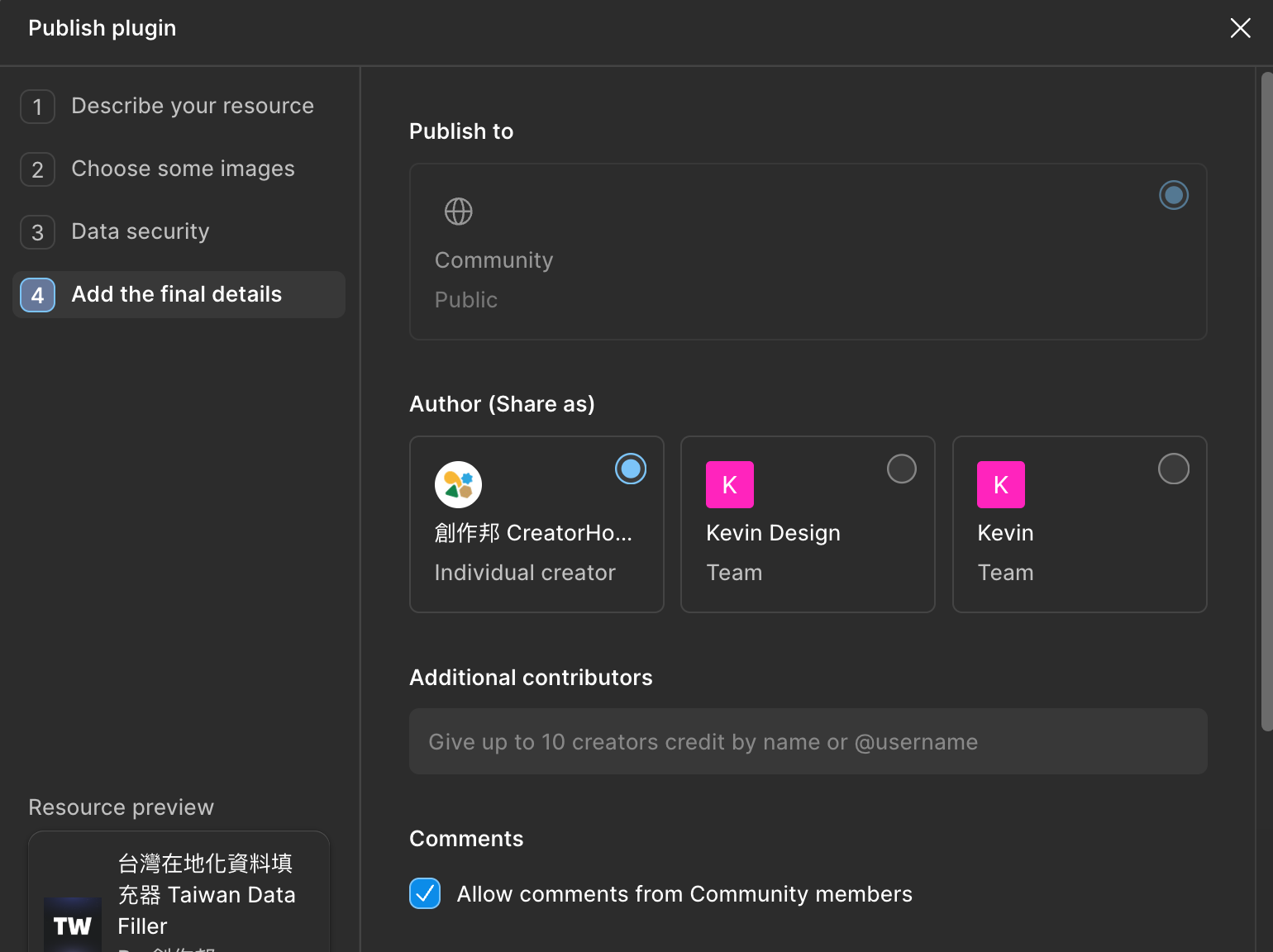
3.支援 Email,這邊會預設帳號的 Email,但假設你希望使用其它 Eamil,記得在這邊修改
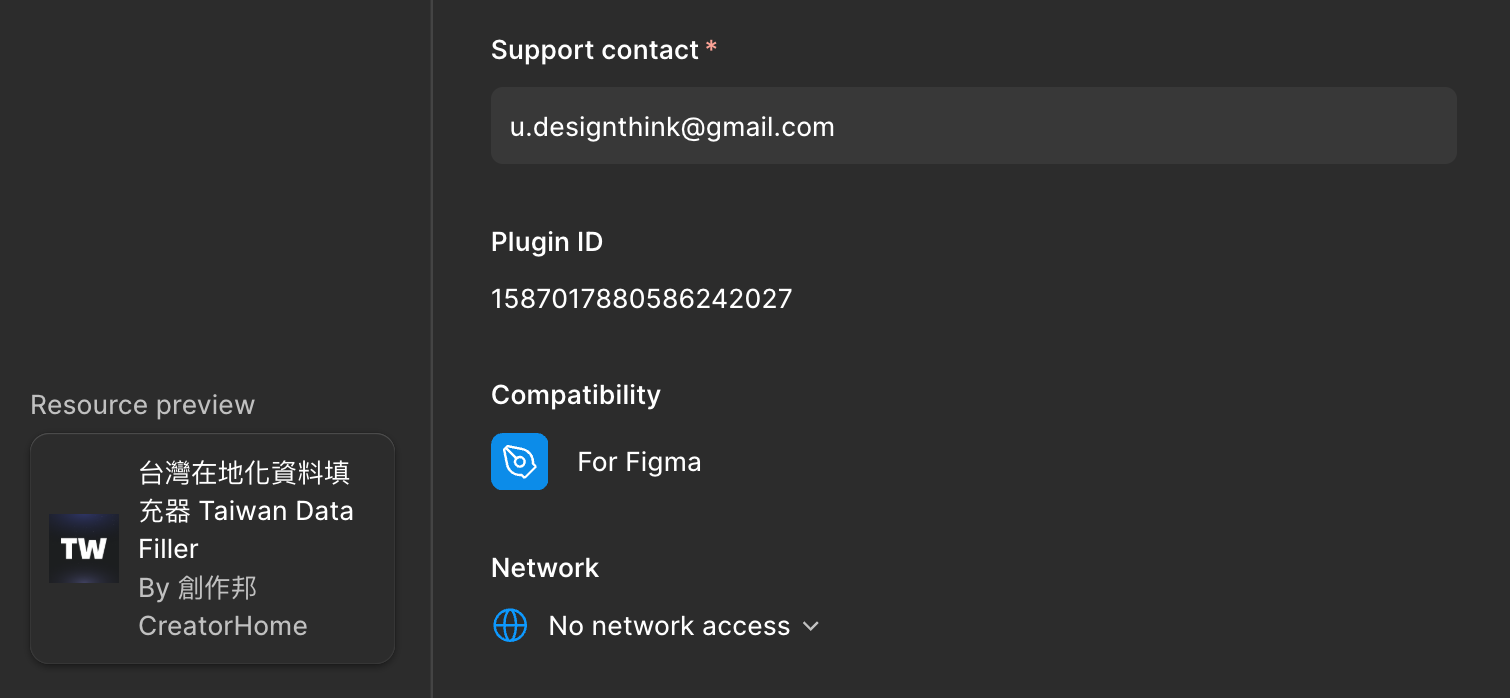
3.送審
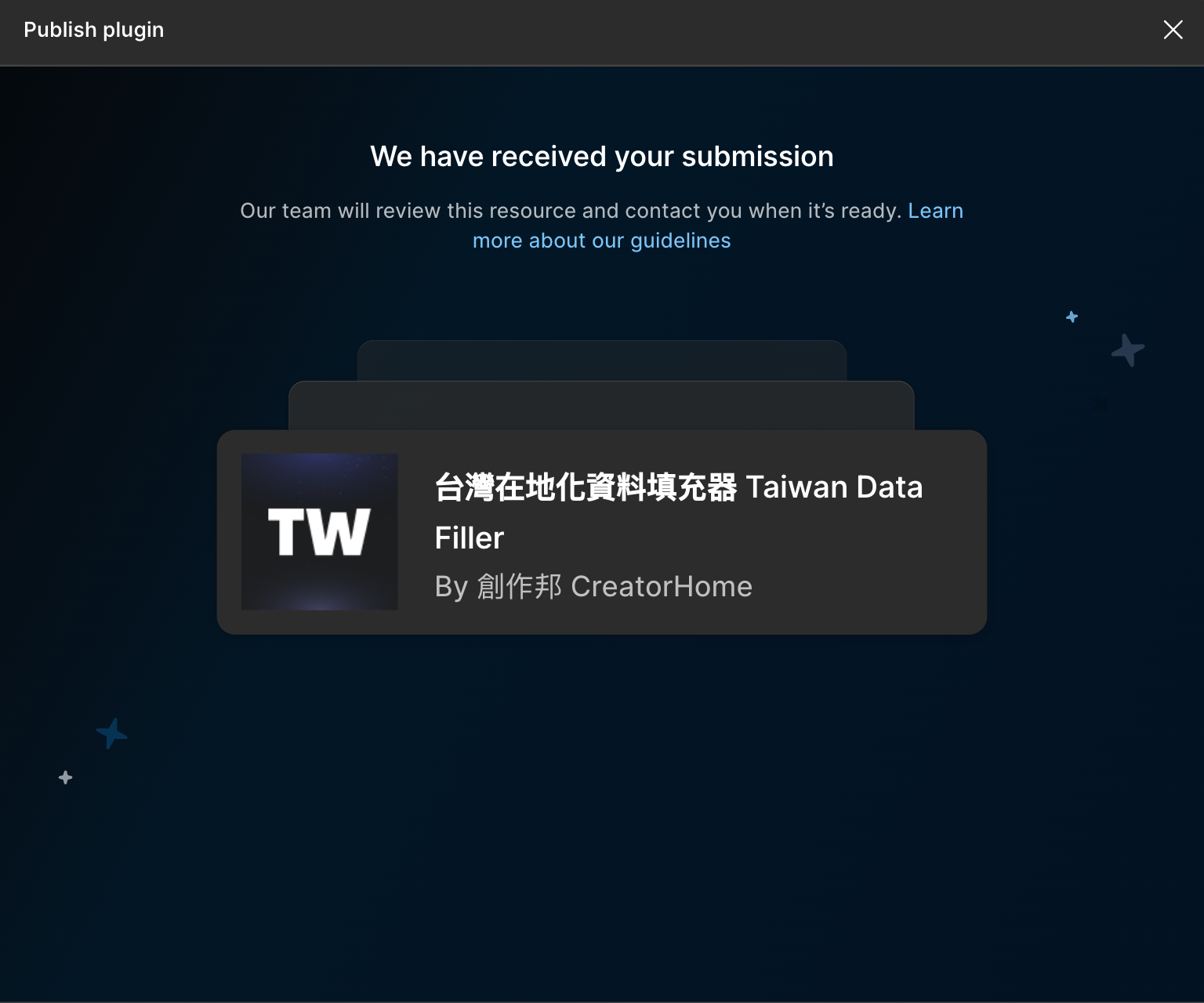
最後就是送審,這步完成後就等待 Figma 那邊審核通知,最快半天到一天就能審核完,我自己過往經驗大概都是一天左右。
假設沒通過,他們會告訴你原因,這時就需要針對性去修改,假設通過了就會接上線,到時就能公開分享。
這邊要是沒通過,可以直接把未通過原因丟給 AI,請 AI 解決。
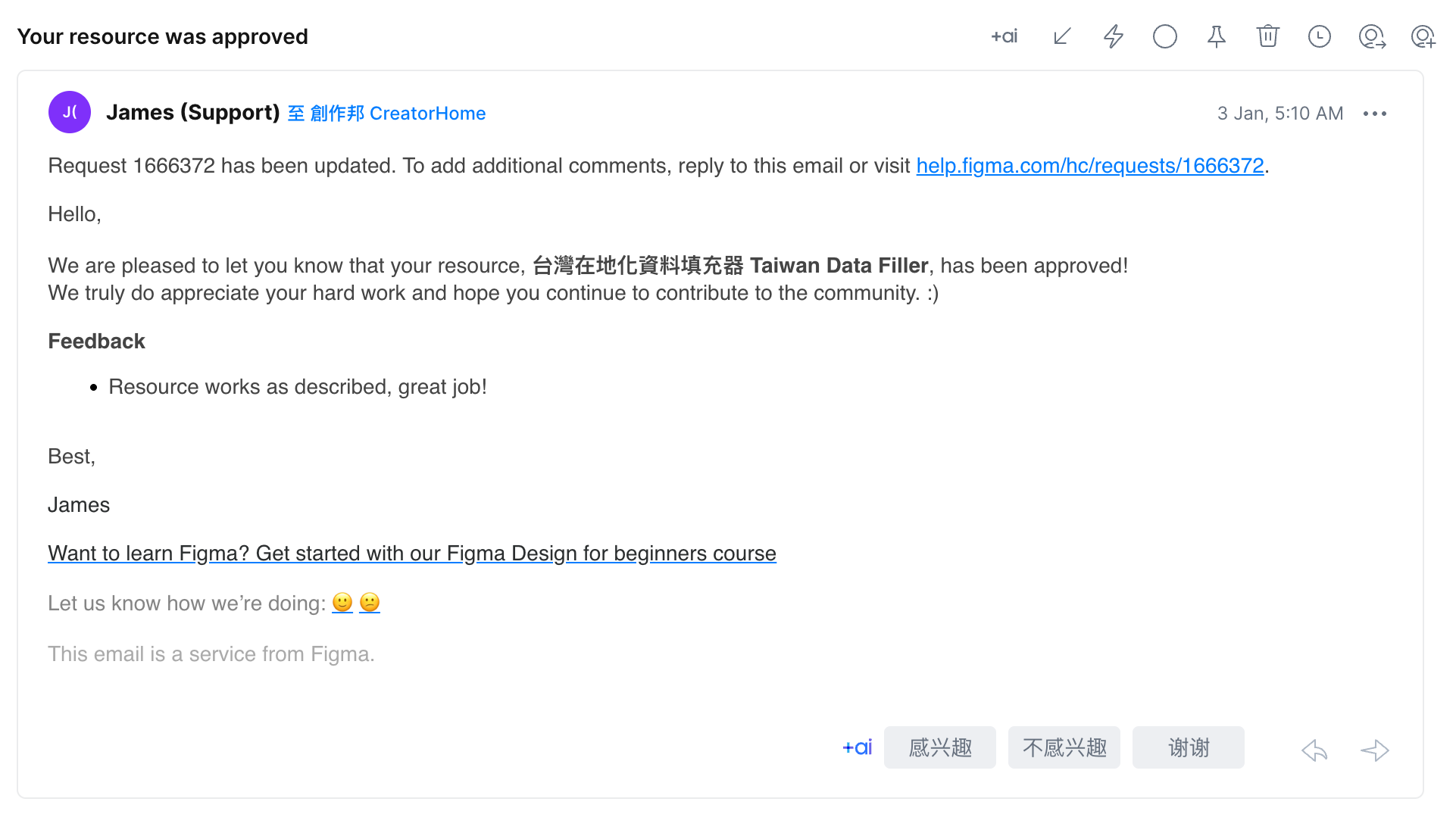
通過後會收到這樣一封信件,雖然我寫這些工具沒有賺錢,但每次都超有成就好,就像是信中說的希望我持續為社群做貢獻。
我喜歡 Figma 的原因除了工具本身外,還有這樣一個互相交流跟貢獻的社群,在這邊我也因為很多人分享免費且好用的模版、Plugin 而受惠。
現在有能力後當然持續分享,期望這社群越來越好。
=+=+=+=+=+=+=+=+=+=+=
這邊是我的 Figma 帳號,上面有我製作的 Plugin,有興趣的可以直接看看


另外這是我整理的 Vibe Coding 資源網站,如果你對 Vibe Coding 有興趣,可以查看我整理的資源


關於作者|Kevin Kuo
凱文設計 / 創作邦 CreatorHome 創辦人。專注分享 AI 工具應用、設計實務與個人品牌經營,幫助創作者打造可持續的創作事業。
![[設計週報] 皮克敏迷必訪!實體活動開跑 / 2/15 登場:姆明點亮沉浸夜景 / 史努比快閃屏東《How Do You Do, Snoopy?》 / 高雄新景點?9 大藝術裝置別錯過! / iPhone 17 Pro ,拍出好故事](/content/images/size/w600/format/webp/2026/02/----------------2.png)


![[設計週報] 好物推薦!Pantone 史上最便宜色票本 / 青森不只觀光,十年策出生活 / Canva × ChatGPT,設計流程被重新排列 / 冬奧「蒙古戰袍」:穿出國家底蘊 / 用結構與光,定義 2026 冬奧的儀式感](/content/images/size/w600/format/webp/2026/02/----------------1.png)
![[創作邦週報 #039] 我為何願意在 AI 與各種工具上投入那麼多時間跟金錢?](/content/images/size/w600/format/webp/2026/02/NEWS-VOL.039.png)
![[設計週報] 就是這雙鞋!LEGO x Crocs 跨界聯名 / 絕美登場!空山基 x 星宇「金屬鏡面塗裝飛機」 / 24 年首改版!你的票決定未來鈔票樣貌 / 就是它!Futura®100 奪東京 TDC 字體賞 / 解碼陳普:蘭獸與黑青宇宙的誕生](/content/images/size/w600/format/webp/2026/01/----------------4.png)
![[創作邦週報 #038] AI 時代的焦慮與效率提升,到底能不能真的幫我們節省時間?](/content/images/size/w600/format/webp/2026/01/NEWS-VOL.038-2.png)
![[創作邦週報 #037] 一週產出 15 篇非 AI 內容,我卻只花了半天?揭秘我的高效工作流](/content/images/size/w600/format/webp/2026/01/NEWS-VOL.037.png)
![[設計週報] 2026 燈會主燈揭曉:《光沐—世界的阿里山》 / Apujan 玩轉灰白:綠美圖新制服美學 / 超強聯名別錯過!早安美芝城 x 屎蛋唐尼 / 《d設計之旅 台灣·新竹》發行!重新認識新竹 / 2026 必看北美館特展:坂本龍一《觀音.聽時》](/content/images/size/w600/format/webp/2026/01/----------------3.png)
![[創作邦週報 #036] 私藏推薦:3 個我最近使用頻率最高的 AI 效率神器](/content/images/size/w600/format/webp/2026/01/NEWS-VOL.036.png)
Discussion